OUR SERVICE AREA
DM. Digital serves businesses across the USA and is open 24/7 for SEO in the USA. We handle Google Business Profile, Local SEO, Website Design, Content Strategy, Analytics & Performance and AI Visibility, measured by the calls and forms they bring in.
Let's get you more clients
Get your free SEO audit. We'll help you get more leads, visibility, and clients for your local business.
A tree service owner pulls into the driveway after a long day of removals, parks the chipper and the branded truck, and opens Google to finally claim the business listing. The prompts ask for a business name and a category, and then comes the hard part: proving the operation is real when there is no storefront, no office sign, just a house with a yard full of equipment. For many home based tree companies, Google assigns a video recording to confirm the business exists.
Here is the short answer. Video verification is one of several methods Google may assign, and it records a single live walkthrough that proves the business is real and run by the owner. A tree company working from a residential base does not show the home address. Instead, it hides the address and sets a service area for the towns it covers. Google chooses the method, so an owner cannot always pick video on demand.
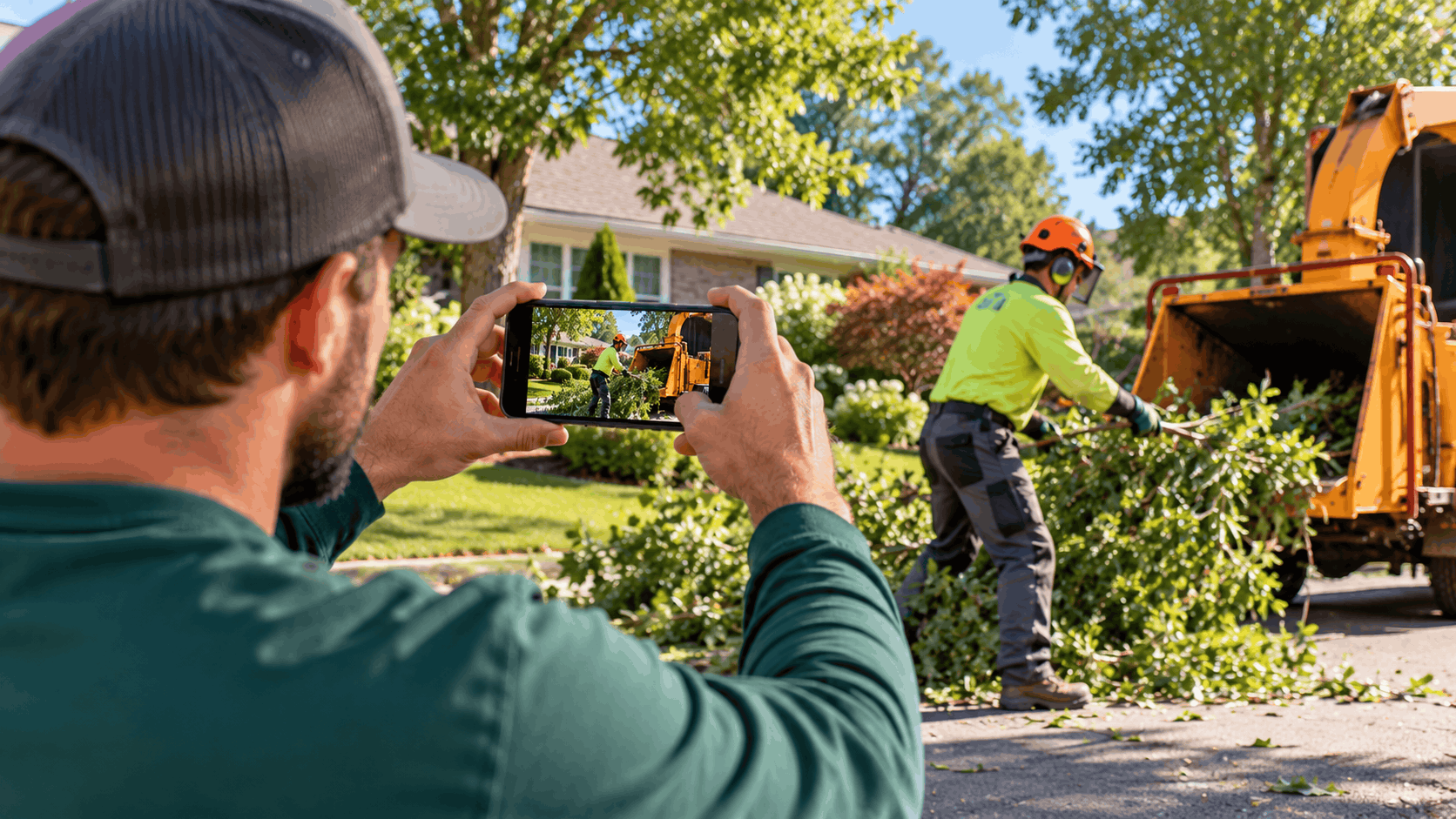
Video verification is a way of proving to Google that a business is genuine before it can appear on Search and Maps. For a home based tree service, there is no front door for Google to confirm, so a recorded walkthrough does that job instead. The owner films one continuous video of the work base, the equipment, and documents that tie the business to the address and the owner.
This method fits a service-area business well. A tree company travels to the customer rather than inviting the customer to a shop. Google wants to see that a real operation stands behind the Google Business Profile, even when the base is a house with a driveway full of gear. The video gives Google eyes on the trucks, the tools, and the paperwork it cannot verify any other way.
Getting the verification right the first time matters, because a stuck or failed attempt can delay the profile going live and can create confusion that is harder to clean up later. A profile that is set up cleanly, with the address hidden and the right category, gives the business a stronger base to build on. Our team handles this step as part of Google Business Profile optimization for tree companies.
Google lists several verification methods it can assign to a new or claimed profile. These include phone or text, email, a live video call, a mailed postcard, a video recording, and instant verification through Google Search Console or bulk verification. Each method asks for a different kind of proof, from a code sent to a phone to a recorded walkthrough of the business.
The important part for a tree service owner to understand is that Google picks the method. Google's Business Profile Help, as of October 2026, states that verification methods are automatically determined by Google and cannot be changed. An owner cannot log in and simply choose video over a postcard, or ask a support agent to switch methods.
Why does this matter? Many owners expect a quick postcard and are surprised when Google asks for a video instead. Planning for a video from the start saves frustration. If the profile asks for a recording, the owner should prepare a walkthrough rather than waiting for a code that is not coming.
The method a business gets often depends on how it operates and what Google can confirm on its own. A storefront with a visitable address may get a postcard. A home based operation with no public address often lands on video, because that is the clearest way Google can confirm a real business is there.
Tree companies tend to run from a residential base rather than a commercial building. The driveway holds the truck, the chipper, the stump grinder, and the climbing gear. There is no retail counter and no public sign that Google can point to and say, this business exists here.
Because there is no storefront, Google often cannot confirm the operation through an address alone. A home based tree service that hides its address, which it should, gives Google even less to work with on the map. The video fills that gap by showing a real operation on camera.
This is not Google being difficult. Tree work is a trade where equipment and trucks are expensive and specific, so showing them proves the business is more than a name on a form. A chipper and a wrapped truck are hard to fake, which is exactly the point.
The same logic applies to other home based trades. A plumber or a cleaner who works from a house faces the same question from Google. For tree services, the sheer size of the gear actually works in the owner's favor during a recording, because there is plenty to show.
A service-area recording should prove three things. First, the location the business works from. Second, the business itself through signs, tools, and a branded truck. Third, proof of management, meaning evidence the owner actually runs the operation.
Google's guidance for service-area businesses asks the owner to show where the business operates, the tools used in the trade, and proof of management such as a permit, an invoice, or a utility bill. For a tree company, that means filming the yard or shop area, the equipment, and then the paperwork that ties the owner to the address.
The business tools do a lot of the work here. A chipper, a stump grinder, chainsaws, ropes, and a truck with the company name all say this is a working tree service. Branding on the truck or trailer that matches the business name on the profile strengthens the case.
The management proof closes the loop. A utility bill in the owner's name at the address, or a business registration and an invoice, shows Google the person filming is the person who runs the company. All three elements in one continuous video is what Google is looking for.
Google publishes specific rules for the recording, and following them exactly is how a tree service avoids a rejected attempt. The rules cover how the video must be shot, how long it runs, and how long Google takes to review it. All of the figures below come from Google Business Profile Help, as of October 2026.
The core requirement is simple to state and easy to get wrong. The verification video must be live, unedited, continuous, and at least 30 seconds long. That one sentence rules out a lot of what owners instinctively want to do, like stitching together clips or using a nice marketing video they already have.
Knowing these rules before pressing record is what separates a smooth verification from weeks of back and forth. The sections below break down each rule and what it means on the ground for a home based tree company.
Google Business Profile Help, as of October 2026, says a verification video recording must be live, unedited, continuous, and at least 30 seconds long. One continuous take means the camera keeps rolling from start to finish without stopping.
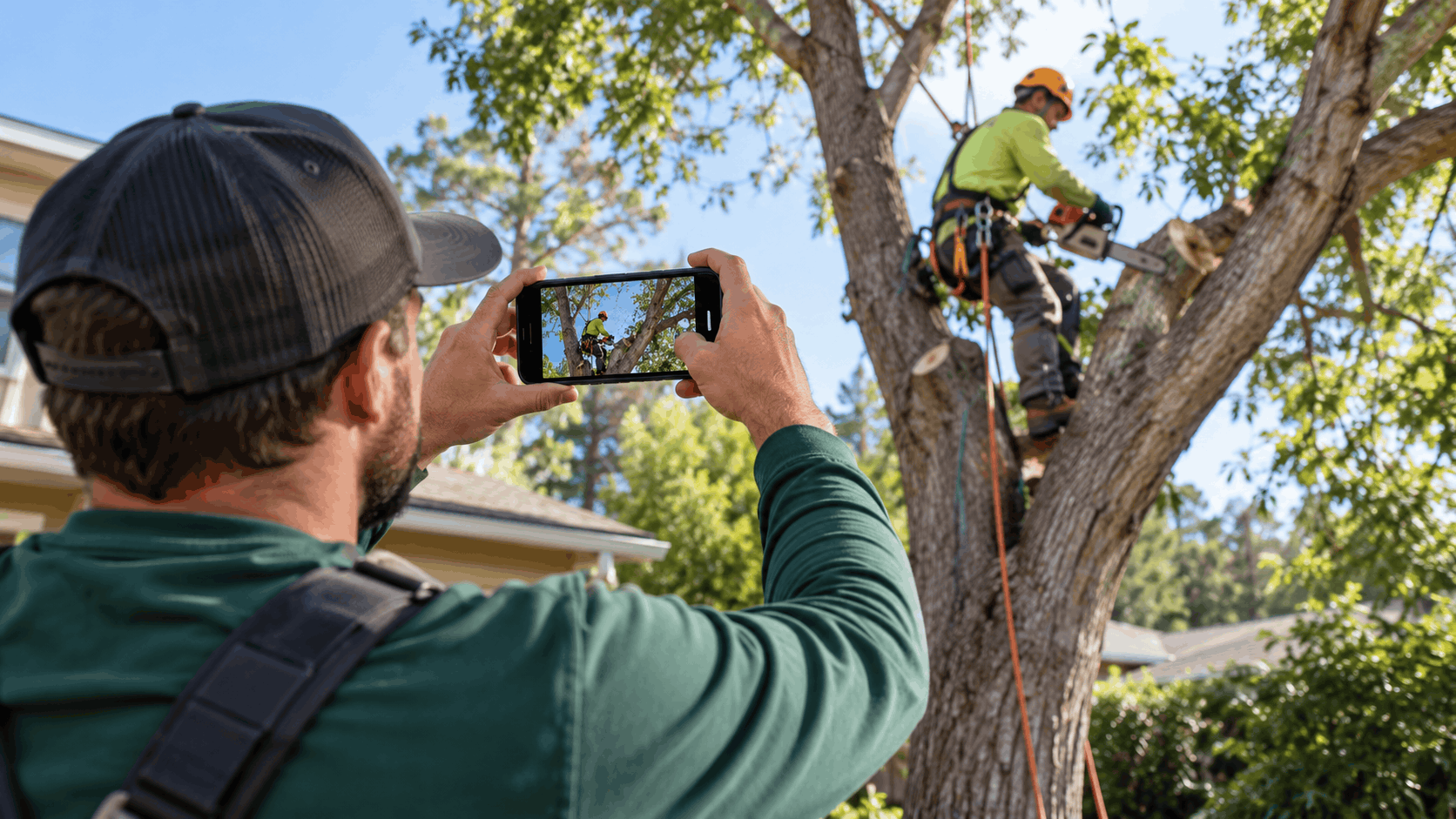
In practice, a live take is a single recording made on a phone. The owner presses record once, walks the full route, and presses stop once at the end. There is no pausing to reposition, no cutting between angles, and no re-recording a section that did not look right and splicing it in.
Thirty seconds is the minimum, not a target to aim for exactly. Most owners find they need a little longer to show the location, the equipment, and the documents clearly. A video that runs a minute or two and shows each element without rushing is usually stronger than one that races to hit thirty seconds.
The unedited rule is the one that trips people up most. A video that has been trimmed, color corrected, or assembled from multiple clips reads as edited, even if the content is honest. Keeping it raw is the safest path.
Once the video is submitted, Google reviews it. Google Business Profile Help, as of October 2026, states that verification reviews take up to 5 business days, rarely longer. That is the window an owner should plan around.
During that review timeline, the best thing an owner can do is wait and leave the profile alone. Making edits to the name, address, or category while a review is pending can stall the process. Patience here pays off.
One safety point matters above all. Google will never ask for your verification code. Any message, call, or email asking an owner to share a code is a scam, not Google. Legitimate verification happens inside the profile and through the methods Google assigns.
If five business days pass with no decision, that is still within the range Google describes as possible, since it says reviews rarely take longer. Rushing to submit a second video or create another profile usually makes things worse rather than faster.
A rejected video usually comes down to one thing: it does not look like a single raw take. Stopping and restarting the recording, splicing clips together, or uploading a polished promotional video instead of a raw walkthrough are the most common reasons a verification fails.
Think about it from Google's side. The whole point of the live, unedited rule is to prevent someone from assembling footage that misrepresents a business. An edited video, even an honest one, defeats that purpose, so Google treats editing as a red flag.
Among the common mistakes, using an existing marketing video is a frequent one. A tree company may have a nicely produced clip of a removal job, but that video has music, cuts, and titles. It will not pass verification because it is not a live walkthrough of the base and documents.
The fix is to film fresh, in one take, showing exactly what Google asks for. It does not need to look good. It needs to be honest, continuous, and complete. A shaky phone video that shows the yard, the chipper, the truck, and a utility bill in one pass beats a studio-quality edit every time.
Ready to Grow Your Local Business?
DM. Digital helps local service businesses dominate Google with custom-built websites.
A little planning turns a stressful recording into a two-minute job done once. Because the video must be one continuous take, the owner should know the route, the props, and the documents before pressing record. Walking it through in their head, or even rehearsing without recording, helps a lot.
A good walkthrough plan for a home based tree service moves logically from the work area to the equipment to the paperwork. The goal is to never stop filming, so the path should flow in one direction without backtracking or hunting for something off camera.
Preparing the recording also means thinking about light and stability. Shooting in daylight, holding the phone steady, and moving slowly all help Google see what it needs to see. The subsections below lay out the route, the gear, and the documents.
Start by mapping a continuous path that the owner can walk in one take. A natural route begins at the work area or yard, moves to the truck and equipment, and ends at the documents laid out on a tailgate or table. Everything the owner needs should already be in place before recording starts.
Laying out the documents in advance is the single biggest time saver. If the utility bill and registration are already on the tailgate, the owner can walk straight to them at the end of the video without stopping. Fumbling for paperwork mid-recording often forces a restart, which breaks the unedited rule.
Lighting makes a real difference. Filming during the day, with the sun behind the camera rather than in front of it, keeps signs and paperwork readable. A video shot at dusk or in a dim garage can fail simply because Google cannot make out the details.
Hold the phone steady and move slowly. A slow, smooth pan across the truck wrap and a steady hold on each document give Google time to read what matters. Rushing or shaking the camera forces the reviewer to guess, and guessing does not help the owner.
A tree service has plenty of equipment that proves the trade, and the video should feature it. A chipper is one of the clearest signs, since few businesses other than tree companies own one. Showing it running or parked makes the operation obvious.
Round out the gear with the rest of the kit. Ropes and climbing equipment, chainsaws, and a stump grinder all point to real tree work. Panning across a rack of saws or a pile of rigging shows depth that a single prop cannot.
The branded truck or trailer ties the equipment to the business name. A wrap or a magnetic sign with the company name should match the name on the profile exactly. If the truck says one name and the profile says another, that mismatch can cause problems.
Film the equipment at the base the owner works from, not at a job site. Google wants proof of where the business operates, so showing the gear at the home base supports the service-area setup. A job across town is a different location and muddies the picture.
Documents close the case that the owner runs the business. Useful papers to have ready on camera include the business registration, a utility bill in the owner's name at the base address, and a recent invoice. These tie the person filming to both the business and the location.
The names and address should line up. If the registration, the utility bill, and the profile all show the same name and address, Google can connect the dots quickly. A mismatch forces the reviewer to question the setup, which slows everything down.
Where local law requires a license for tree work, that license is worth showing too. Several states regulate tree work, and the rules vary, so an owner should confirm the requirements that apply to their own state and county before filming. A valid license on camera reinforces that the business is legitimate.
Lay the documents flat and film them in good light, holding steady long enough to read. The reviewer needs to see the name and address, so a quick flash of paper is not enough. A few seconds on each document, clearly readable, does the job.
A home based tree service does not want its home address on the map, and Google agrees. The address can be hidden while the business still verifies and still shows up for the towns it covers. This ties directly to the video method, since the recording, not a public address, proves the operation is real.
Setting this up correctly is what makes a service-area business work. The owner hides the address, verifies through the video, and then lists the service area of towns and neighborhoods the company serves. Customers see where the business works, not where the owner lives.
Getting the address, the service area, and the category right at setup saves cleanup later. These settings feed into how the profile shows up for local searches, so they deserve care. Our team handles this as part of local SEO for tree companies.
Google's guidance is clear that a service-area business should hide its address. The help pages use the example of a plumber working from a residential address who clears it from the profile. A tree company that travels to customers fits the same model.
Hiding the address protects the owner's privacy and keeps the home off the map. A tree service does not invite customers to the house, so there is no reason to display it. Google supports this for businesses that go to the customer rather than the other way around.
Some address types never qualify, and owners should know this upfront. A P.O. box or a remote mailbox is not acceptable as a business address. A virtual office, meaning a rented address where the business does not actually operate, is also not allowed.
The home base is the real address even when hidden. Google needs to know where the business operates, which is why the video shows the base. The address stays private on the public profile while Google still has it on file for verification.
Once the address is hidden, the owner adds the towns the business serves. Google Business Profile Help, as of October 2026, says a service-area business can add up to 20 service areas by city or ZIP codes, within about 2 hours of driving from its base. That cap keeps the service area honest.
Picking the right areas matters more than filling all twenty slots. A tree company should list the towns it genuinely serves, not every town within reach. Padding the list with distant areas the business rarely works in does not help and can look like an attempt to game the map.
Edits to the service area are not instant. Google Business Profile Help, as of October 2026, says changes to service areas can take up to 48 hours to appear. An owner who adds a town should give it a couple of days before expecting it to show.
The two-hour driving limit is a real boundary. A base in one metro area cannot claim towns several hours away. Keeping the service area tight and accurate reflects how the business actually operates and keeps the profile within Google's rules.
The primary category tells Google what the business is, so it should complete the sentence, this business is a. For most tree companies, the primary category is Tree service. That single choice carries a lot of weight in how the profile shows up.
There is a related option worth knowing. Arborist service fits when a certified arborist is on staff, since that category signals a credentialed service rather than general tree work. An owner should pick the one that matches reality, not the one that sounds more impressive.
Secondary categories cover the other services. Stump grinding and emergency tree service can be added as secondaries where they apply. A company that grinds stumps and takes storm calls can reflect both without changing its primary identity.
Category options change over time, so an owner should verify the available choices directly in the profile. What shows up in the category picker is the authoritative list. Choosing as few categories as needed, each one accurate, keeps the profile clean and relevant.
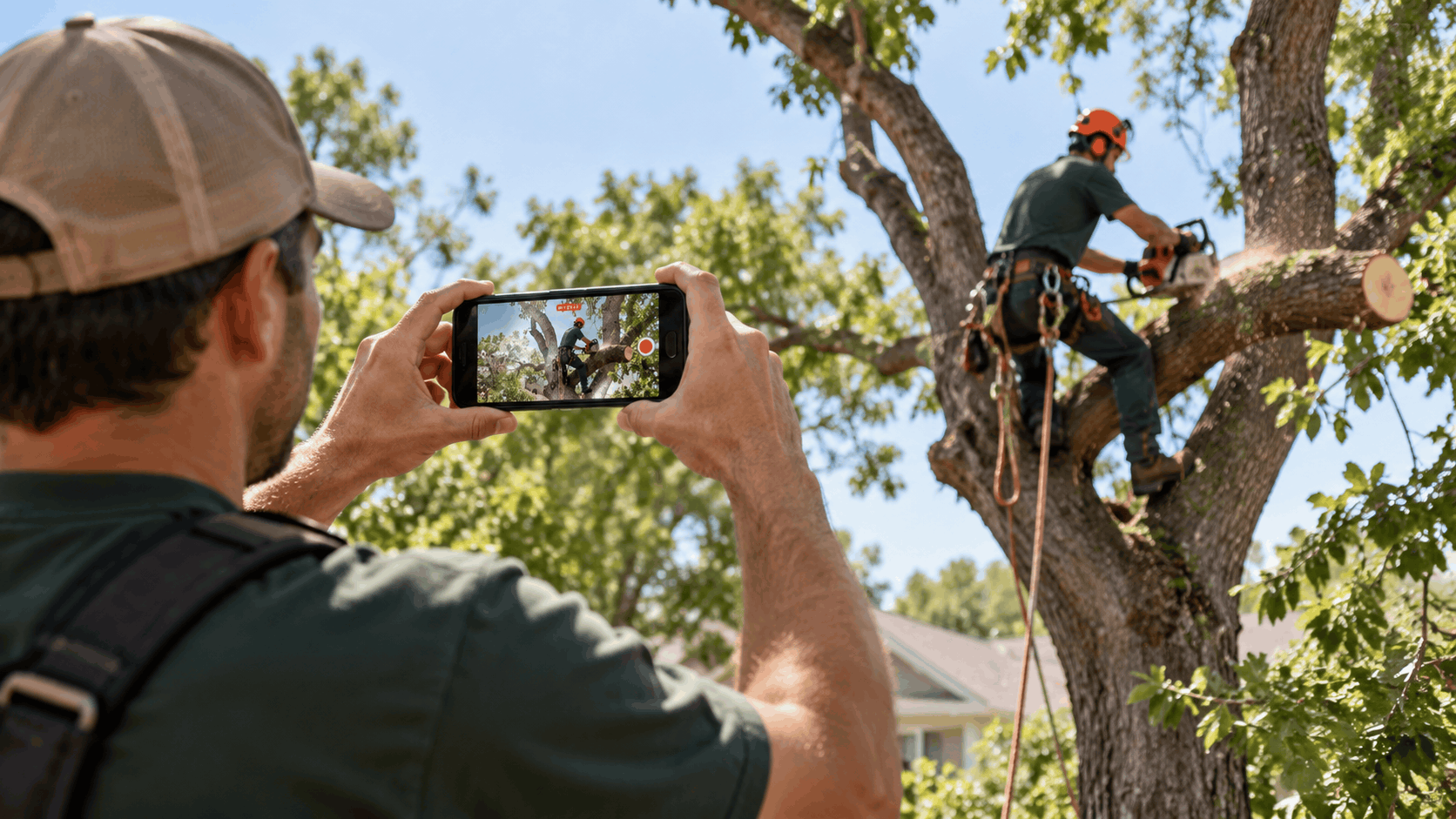
Some errors cost a verification, and others cost the whole profile weeks or months later. Knowing the guidelines ahead of time helps a home based tree owner avoid a failed verification, a stuck profile, or a suspension down the road. Most of these mistakes come from well-meaning attempts to help the profile rank.
The biggest traps involve the business name, editing the profile at the wrong time, and creating more than one listing. Each of these can either block verification or flag the profile for review. The subsections below walk through the common ones.
Avoiding these mistakes is easier than fixing them. A suspended profile is far harder to recover than a clean one is to set up. Our team monitors profiles for these risks as part of ongoing profile management and spam monitoring.
Adding extra words to the business name is one of the most common and most damaging mistakes. Putting a phrase like tree removal or a city name into the name field is keyword stuffing, and Google does not allow it. Google states that including unnecessary information in the business name is not permitted and could result in suspension.
The name field must reflect the real-world name of the business. If the company is registered and signed as, say, Green Valley Tree Co, that is the name on the profile. Tacking on words to catch more searches breaks the rule, even though it tempts many owners.
This connects directly to the video. The signage and truck branding shown in the recording should match the name on the profile. If the profile name has extra keywords that do not appear on the actual truck, that mismatch stands out during review.
Owners sometimes believe the extra words will help them rank. Experts who study local ranking do note that keywords in the title can influence the map pack, but adding them breaks Google's name rules and risks the whole profile. The safe and correct choice is the real name only.
Timing matters when a verification is in progress. Changing the name, address, or category during a pending verification can stall or break the process. The profile should be left alone while Google reviews it.
This is especially true for postcard verification, where editing key fields can cancel the code entirely. The same caution applies to a video review. Once the owner submits, the right move is to wait for the decision, not to keep tweaking the profile.
Category changes carry an extra consequence. Adding or changing a category can trigger re-verification, which means the whole verification process may start over. An owner who sets the category correctly from the start avoids this loop.
Even after a profile is verified, heavy editing fields like the name and address can raise flags. Keeping core details stable tells Google the business is settled and real. Frequent changes to key fields can read as instability and invite a closer look.
Google's rule is one profile per location. There should be only one profile per business, and creating duplicate listings causes problems. A tree company should not make separate profiles for removal, trimming, and stump grinding, since those are services of one business, not three businesses.
Duplicates compete with each other and confuse both customers and Google. Two listings for the same company can split reviews, dilute the profile's standing, and look like an attempt to flood the map. Google's guidelines treat this as a violation.
Address eligibility is the other common trigger. A remote mailbox, a P.O. box, or a virtual office can read as no real presence, because the business does not actually operate there. For a home based tree service, the real base is the home, which is why the video proves the operation while the address stays hidden.
Account-level problems spread. If an account is restricted, every profile that account manages can be suspended. Keeping one clean account with one accurate profile per business is the way to stay out of trouble.
Ready to Grow Your Local Business?
DM. Digital helps local service businesses dominate Google with custom-built websites.
A denied verification is frustrating, but it is not the end of the road. There is a clear path forward that involves re-recording with stronger proof, filing an appeal, and submitting the right documents. The one thing that does not help is giving up and starting a brand new profile.
The first question is why it was denied. Often the answer is a weak video, a document that could not be read, or a take that looked edited. Fixing the specific issue and resubmitting is usually the fastest route back.
When a re-recording is not enough, Google's appeals process exists for reinstatement. The sections below cover re-recording, the appeals tool, and what to avoid while a decision is pending. Our team supports owners through this process as part of profile management.
If the video was the problem, the fix is to re-record it with clearer proof. A common weakness is branding that did not show clearly, so the next take should feature the truck wrap or signage more prominently and for longer.
Documents are the other frequent weak spot. If the utility bill or registration was blurry or flashed too quickly, the new video should hold on each document in good light long enough to read every detail. Clarity on the name and address is what the reviewer needs.
Length and continuity help too. A longer continuous take that moves slowly through the location, the equipment, and the paperwork gives Google more to work with than a rushed thirty seconds. The video still must be one unedited take, just a more thorough one.
Once the issues are addressed, the owner can resubmit. There is no benefit to submitting the same flawed video again. Each new attempt should fix something specific that caused the last denial, whether that is lighting, branding, documents, or length.
When re-recording does not resolve it, Google's appeals tool is the next step. The owner selects the profile in the tool and submits an appeal with supporting evidence. This is a formal review of whether the business meets Google's guidelines.
Google accepts specific documents as evidence. These include a business registration, a license, a tax certificate, or a utility bill. The name and address on those documents should match the name and address on the profile, since matching records are what let Google confirm the business.
There is a strict timing rule inside the form. Uploaded evidence must be submitted within 60 minutes of opening the appeal, or it will not attach. An owner should gather and scan every document before starting, so the upload goes smoothly within that window.
Fixing the underlying issue before appealing is what makes an appeal likely to succeed. If the problem that caused the denial still exists, an appeal is likely to fail. Addressing the root cause first, then presenting matching documents, gives the appeal its best chance.
The most important rule during an open appeal is simple. Do not create a new profile for the same business while the appeal is under review. A second profile can complicate the case and lead to more problems rather than a faster resolution.
Patience is required because Google gives no set timeline for an appeal decision. The owner submits, then waits for an email. There is no published window, so refreshing or resubmitting does not speed anything up.
While the appeal review is pending, the owner should leave the existing profile and account alone. Making changes, opening new tickets, or trying alternate verification methods can muddy the review. One clean appeal, backed by matching documents, is the strongest position.
If an appeal is denied, there may be an option for an additional review through a separate form. That path exists, but it starts only after the first appeal concludes. Working the process in order, one step at a time, is better than stacking attempts on top of each other.

Verification is the start, not the finish. Once the profile is live, ongoing profile management is what turns the verification effort into calls. A home based tree company that keeps its profile complete, earns recent reviews, and publishes regular posts gives itself the best base to show up for local searches.
Google says businesses with complete and accurate info are more likely to show in local results. That single statement shapes most of the work after verification. Filling in every field, keeping it current, and staying active all support how the profile performs.
The sections below cover the details Google reads, how to earn and reply to reviews, and how posts and stable fields keep the profile healthy. These are the habits that pay off month after month.
A complete profile gives Google more to work with. Filling in regular hours and emergency hours matters for a tree service, since storm calls and fallen limbs often come outside normal business hours. A profile that shows it handles emergencies can match searches that a nine to five profile would miss.
The services list should reflect everything the company does. Removal, trimming, stump grinding, and emergency work can all be added so customers and Google see the full range. A fuller services list gives the profile more ways to match what people search for.
Complete info extends to every field the profile offers. Hours, services, the description, and contact details all contribute. Google's own guidance ties complete and accurate information to a better chance of showing in local results, which is reason enough to fill in everything.
Photos should be real photos of the actual business, not stock images. Shots of the crew, the trucks, and finished jobs show a working tree service. Stock photos of generic trees do nothing to prove the operation and can make a profile look thin.
Reviews carry weight with both customers and Google. The right way to ask is through a Google review link or a QR code the customer can scan. Making it easy for happy customers to leave a review is simple and effective.
Incentives are off limits. Google strictly prohibits offering anything in exchange for reviews. A tree company should never trade a discount or a gift for a review, since that breaks the rules and can harm the profile. The ask should be a plain request after good work.
Freshness matters to buyers. BrightLocal research from 2026 found that most consumers look at recent reviews, with a strong preference for reviews written in the last three months. A steady trickle of new reviews beats a pile of old ones, so asking regularly keeps the profile current.
Replying to reviews shows the business is engaged. A short, personal reply to each review, good or bad, tells customers someone is paying attention. Generic templated replies can put people off, so a genuine response to each reviewer works better. Our team handles outreach and replies through review generation and response.
Regular posts keep the profile active and give Google fresh signals. A tree company can post seasonal reminders, recent jobs, or storm-season tips. Posting on a steady schedule shows the business is current and gives customers something to see.
Winter is a natural time for certain posts, since late winter is ideal for pruning while trees are dormant. A post timed to the season can match what homeowners are thinking about. Tying posts to the work that fits the time of year keeps them useful rather than generic.
While posts should be frequent, core fields should stay stable details. Changing the name, address, or category often can make the profile look like it needs re-verification. Keeping those key fields steady after setup signals a settled, real business.
Edits take time to process. Google says edits usually take up to 10 minutes to review but can take up to 30 days. Knowing this edit review time helps an owner set expectations rather than worrying when a change does not appear instantly. Our team publishes weekly Google Business Profile posts for clients.
Ready to Grow Your Local Business?
DM. Digital helps local service businesses dominate Google with custom-built websites.
We manage the whole profile so a home based tree service owner can stay on the equipment and the job sites. Our Google Business Profile optimization work runs inside one monthly engagement, and it covers the setup, the verification, and the ongoing upkeep that keeps a profile strong.
Because we work with tree companies as a local and AI search agency, we handle the parts that trip owners up, from the name check to the service area to the recovery steps if something goes wrong. The goal is a clean, compliant profile that shows up for the towns the business serves.
The subsections below cover verification support, what the monthly package includes, and what the business keeps. Everything here reflects how the engagement actually works.
We help with the parts of verification an owner cannot easily judge alone. That starts with a name check against Google's guidelines, so the profile name reflects the real business and does not carry extra words that risk a suspension. Getting the name right from the start avoids a common cause of trouble.
We also handle the service area setup for a home based tree company. That means hiding the address, listing the towns the business serves within the driving limit, and choosing the right primary and secondary categories. A correct setup supports both verification and how the profile shows up later.
Through verification support and re-verification, we guide owners on what a video should show and how to present documents clearly. If Google asks for a video, we help plan the walkthrough so it meets the live, unedited rules on the first attempt where possible.
Ongoing monitoring is part of the work too. We watch for unwanted edits, duplicate listings, and suspension risk, and we support the appeals process if a profile is suspended. We do not promise reinstatement, since Google controls that outcome, but we handle the steps correctly.
We sell one monthly package, not one-off projects. That package covers Google Business Profile management with weekly posts, a website build and ongoing management, content production, backlinks, and citations. The profile work sits alongside the website and content, so everything points in the same direction.
For a tree service, this means the profile, the website, and the content all work together to help the business get found. The website holds detailed pages for removal, trimming, stump grinding, and emergency work, while the profile anchors the map presence.
Engagements start at a $5,000 per month budget and grow from there. There is no minimum commitment, and either side can end the engagement with 30 days notice. Clients pay one monthly fee and never pay separate vendors for the different pieces.
How an engagement starts is straightforward. The owner calls or leaves a message, we call back, we have a conversation, we run an audit, and then we send a proposal. The specifics of the work are discussed on that call.
The business keeps its own assets, always. Clients keep assets including their domain, their Google Business Profile, and their Google and email accounts. The profile belongs to the owner, and we manage it on their behalf.
Leads go straight to the owner. A website inquiry lands in the client's own business email, so the owner keeps receiving leads even if the engagement ends. Nothing about lead flow depends on us staying in the picture.
Owners see the results through monthly reports. Those reports cover leads, traffic, domain rating, backlink totals, and AI mentions, plus a live lead dashboard while the engagement is active. The reporting shows what the work is producing over time.
If a client stops the SEO and AI visibility work, we can keep the website live and hosted for a small monthly fee, so the business keeps everything built up to that point. The owner never loses the profile, the domain, or the content they have earned.
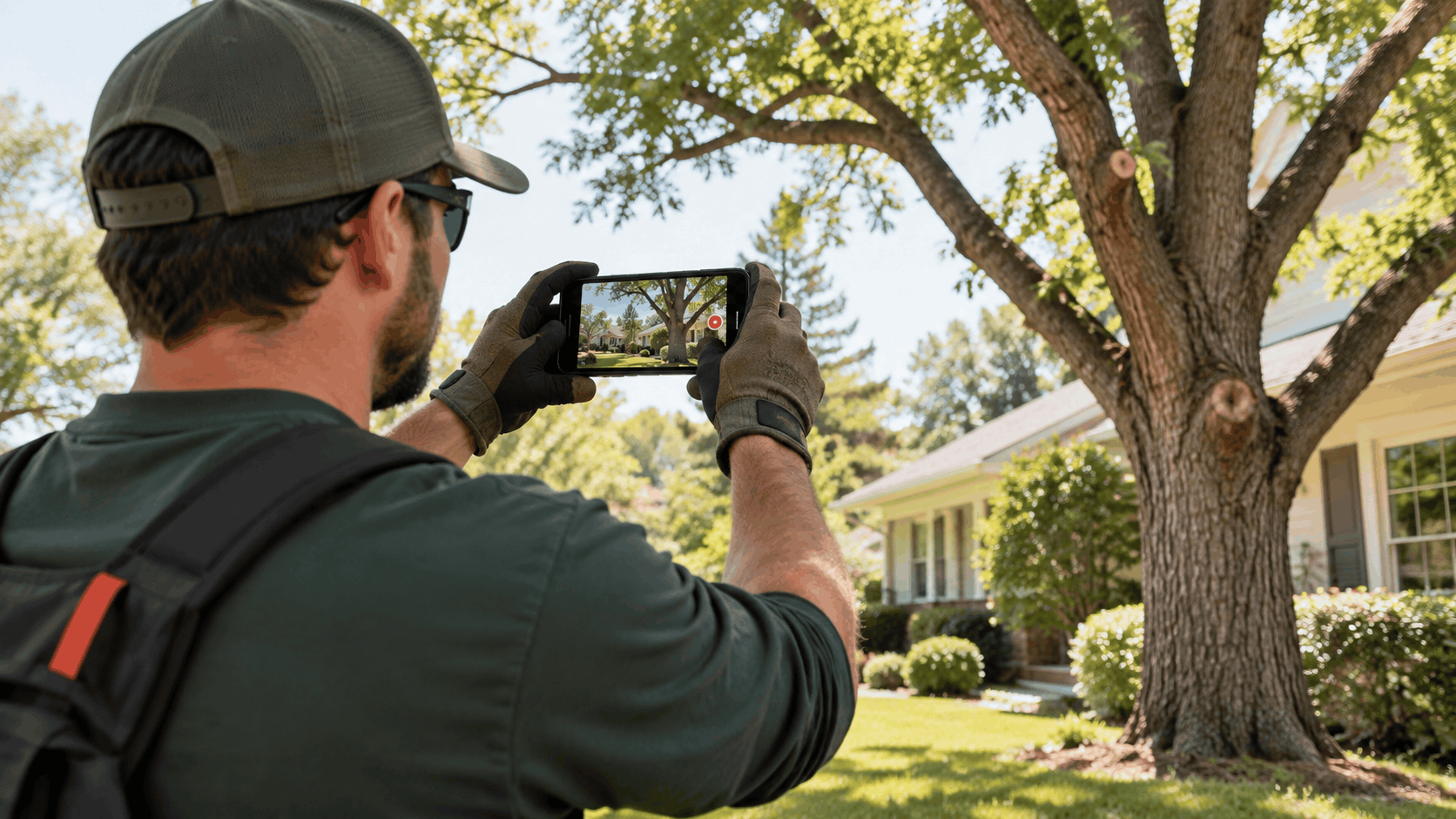
Video verification comes down to one honest, continuous take that shows the base, the equipment, and documents proving the owner runs the business, with the home address hidden and a service area set for the towns served. Plan the walkthrough, keep the name and fields stable, and follow Google's rules exactly to avoid a denial or a later suspension.
If a tree service owner wants this handled start to finish, call (775) 843-8004 or reach out through our contact page. We will have a conversation, run an audit, and send a proposal for managing the profile as part of one monthly engagement.
Last updated on
Why trust DM. Digital?
Founded in 2018, DM. Digital is an SEO Agency serving businesses across the USA. All content is reviewed by our licensed technicians.
Ready to Grow Your Local Business?
DM. Digital helps local service businesses dominate Google with custom-built websites.
Every Google Business Profile field explained with Google's own rules: name, verification, categories, address or service area, description, hours, attributes, services, photos, reviews, posts and performance data.
Found two Google listings for your business? Learn when to merge versus remove a duplicate Google Business Profile, what happens to reviews, replies, verification and managers, and how to clean up without a suspension.

Google Business Profile posts will not move your rankings, but they help customers choose you. Here is what to post, how often, examples by industry, how to write and schedule posts and how to measure them.